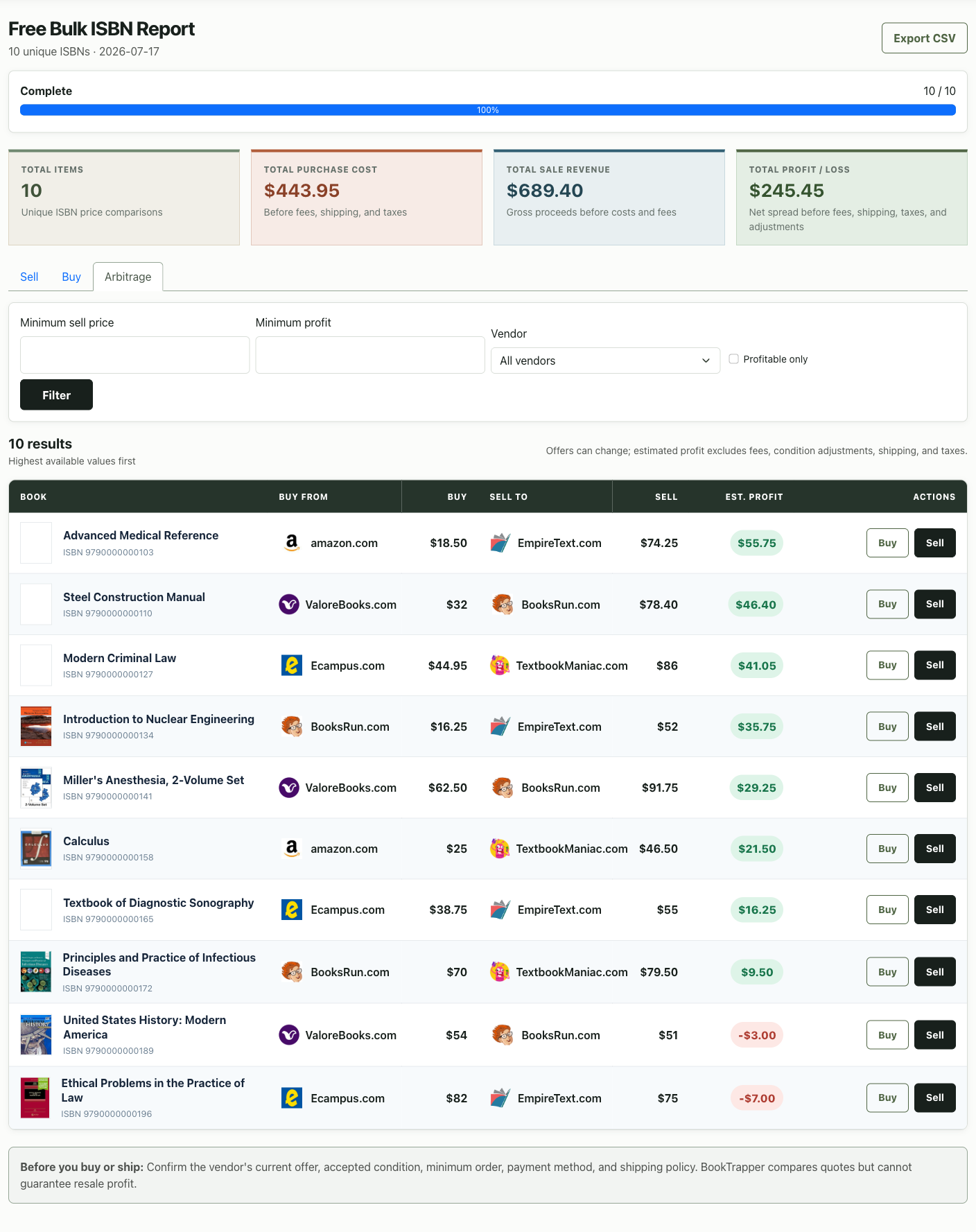
Searching one textbook at a time is reasonable for a small stack. A larger collection needs a repeatable import, validation, progress, filtering, and export workflow so good books are not buried in hundreds of weak or invalid rows.
Prepare the ISBN list
Paste one ISBN per line or upload a CSV. The tool accepts ISBN-10 and ISBN-13, normalizes punctuation, validates checksums, converts valid ISBN-10 values, and removes duplicates before processing. Rejected rows are reported so you can correct the source inventory.
- Use the ISBN printed on the physical book.
- Keep condition and acquisition cost in separate spreadsheet columns.
- Remove headings that are not clearly identified as CSV headers.
- Split inventories larger than the 500-ISBN allowance into deliberate batches.
Understand the report states
A private, passcode-protected progress page shows whether the report is queued, processing, complete, or failed. Processed and failed counts make partial vendor issues visible rather than leaving you to guess whether the job stopped.
Your report is private
Bulk report passcodes are not placed in public URLs, sitemaps, or analytics events. Keep the progress link and passcode together for your own use.
Filter and sort the useful rows
Use sell, buy, or arbitrage views depending on the job. Filter by minimum sell price, possible profit, vendor, or profitable-only status. Sorting helps you inspect the strongest candidates first instead of scrolling through the original input order.
Export before making operational decisions
Download a CSV to add condition notes, source cost, shelf location, chosen vendor, and final outcome. The export is a working inventory—not a promise that every quote will remain available.
A reliable bulk-search workflow
- Collect exact ISBNs and condition notes.
- Submit no more than 500 unique valid ISBNs.
- Keep the private progress link and passcode.
- Filter completed results around your actual goal.
- Inspect vendor rules for the books you may sell.
- Export, recheck quotes, and record the final outcome.