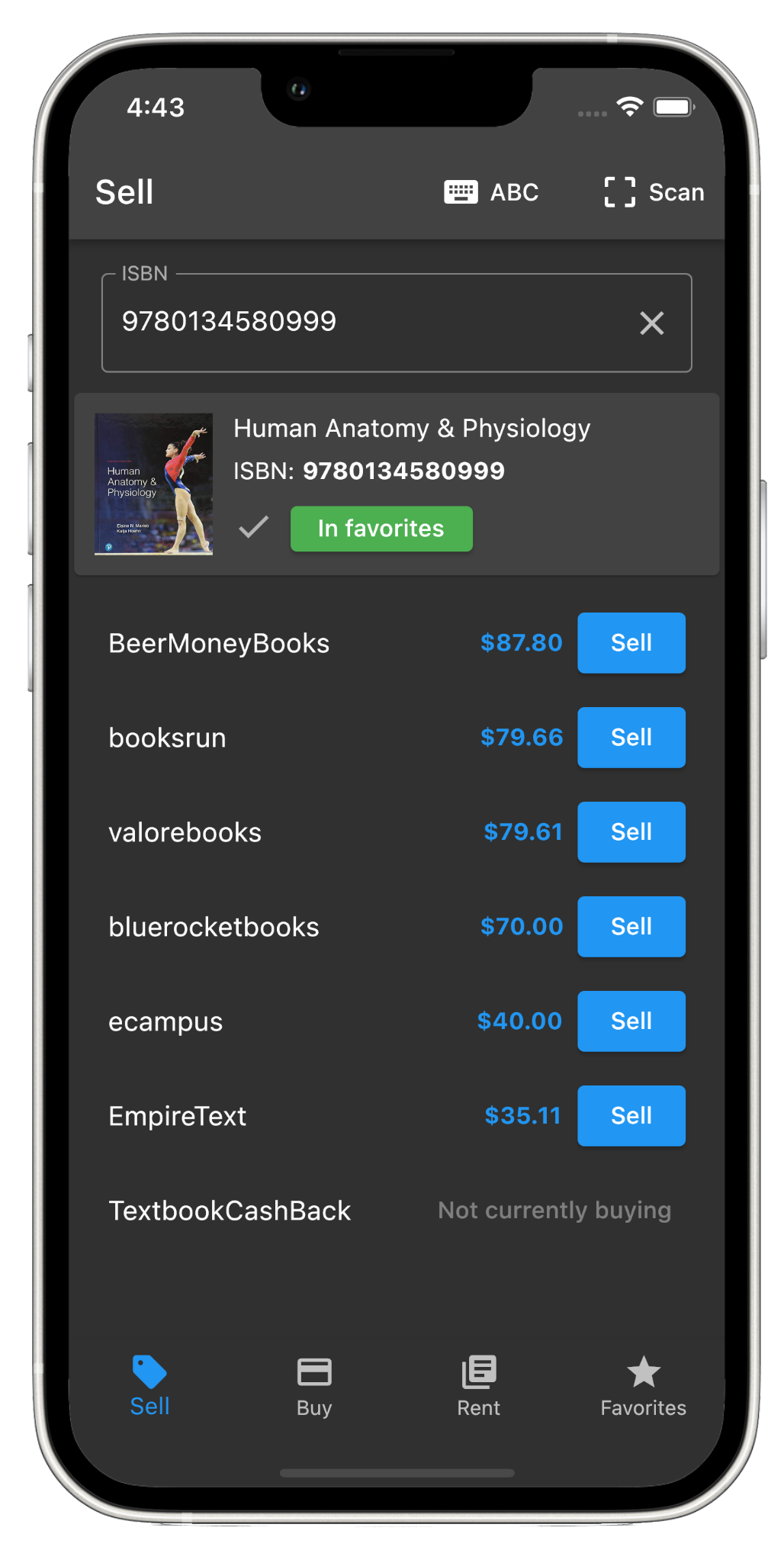
A scanner reduces typing, but its real value is edition accuracy. The barcode links the physical book to its ISBN so you can research that copy instead of guessing from a title, cover, or course name.
Why the exact ISBN matters
Textbooks can share a title while differing by edition, binding, region, or included material. Those differences can affect both price and vendor eligibility. After scanning, confirm that the displayed title and edition match the book in front of you.
What the BookTrapper app can do
- Scan an ISBN barcode or enter the number manually.
- Compare available sell, buy, and rental results.
- Save useful books to favorites for later review.
- Open a vendor's site to confirm current terms.
Scan first, inspect second, decide third
A promising price should lead to a condition and policy check—not an automatic purchase or shipment.
Where barcode scanning helps most
Use the app while sorting textbooks after a semester, reviewing thrift-store shelves, evaluating a book lot, comparing a campus-store quote, or clearing a personal collection. Save promising books, then recheck prices before committing money or shipping.
A careful scanning workflow
- Scan the ISBN barcode and confirm the metadata.
- Inspect condition, binding, and included materials.
- Compare the relevant sell, buy, or rental view.
- Save promising books when more research is needed.
- Read vendor terms before choosing an offer.
- Recheck the price before the final transaction.
Move larger lists to the bulk tool
Mobile scanning is useful for one book at a time. When you have a spreadsheet or hundreds of ISBNs, use the web bulk search to validate, deduplicate, filter, and export the inventory more efficiently.